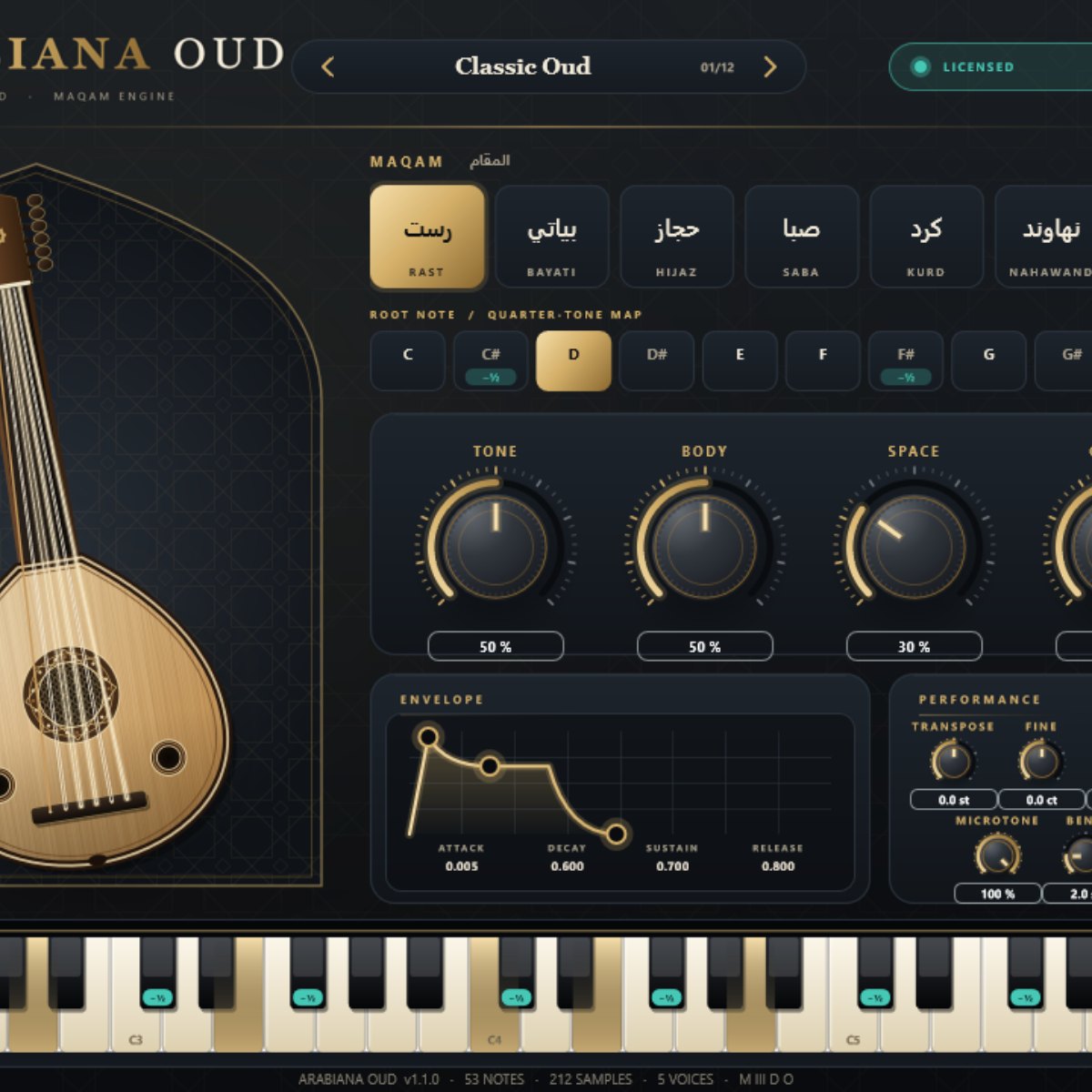
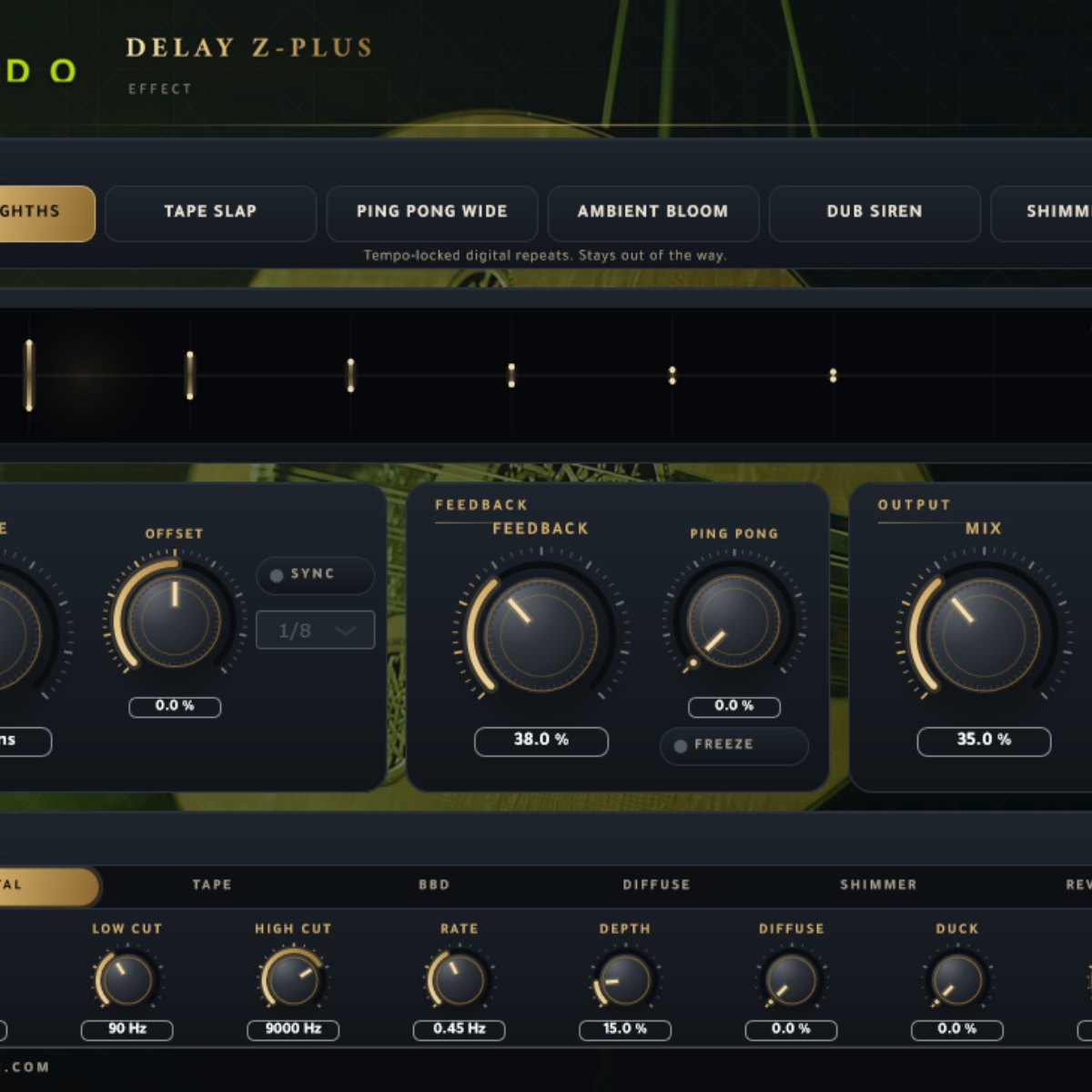
Arabiana Oud plugin interface
Plugins  /  VST3 instrument · Windows

Arabiana Oud

A maqam-aware oud instrument for Windows. Pick a maqam and a root note and the keyboard retunes to that scale, quarter-tones included.

VST3 + StandaloneWindows 64-bit8 maqams212 samples12 presetsOffline activation
$29.99
Buy now

One payment, yours to keep. The installer and your activation key appear in your library as soon as it clears.

Download for
Activation works offlineInstant downloadSecure checkout with Stripe
Overview

Pick a maqam and a root note and Arabiana Oud retunes to that scale, quarter-tones included. Play it as a VST3 in your DAW or as a standalone app. One payment, and the activation key sits in your account beside the download.

At a glance

Contents
8 maqams with quarter-tones · 212 samples (C2–E6) · 12 presets
Format
VST3 / Standalone
Size
256 MB (.zip)
Type
Plugin
Works on
Windows 64-bit
Version
1.1.0
In detail
01

What it does

Choose a maqam and a root note and the instrument retunes to that scale, quarter-tones included. The keyboard, the on-screen keys and incoming MIDI all follow it, so a melody written in hijaz or rast stays in tune without pitch-bending by hand.
02

The sound

The 212 samples run from C2 to E6, two velocity layers and two round-robins per note. They are rendered from a model of the oud whose spectrum, decay and pluck were calibrated on real oud recordings, so this is not a multi-sampled recording of one instrument. A body control adds four real resonances, and a strum control staggers notes played together from low to high.

03

Playing it

Twelve presets, a draggable envelope, a stereo LED meter, and pitch and mod wheels beside the on-screen keyboard (mod is vibrato, and MIDI CC1 works too). Every control on the panel changes the sound.

04

Install and activate

Download the zip from your account library. Close your audio host, run Setup.exe and it installs the VST3. The standalone version is a portable folder inside the same zip. Your activation key is shown in your library beside the download: paste it into the plugin when it asks. Activation works offline and on any number of your own computers. The installer is not code-signed yet, so Windows may show an unknown-publisher warning. Choose More info, then Run anyway.

05

Requirements

Windows 10 or 11, 64-bit, and a VST3-capable host (or use the standalone version). There is no macOS or AU version.

Questions

Asked before.

Is this a recording of a real oud?

The samples are rendered from a model of an oud that was calibrated on real oud recordings. It is not a multi-sampled recording of a single instrument.

Do I pay again for updates?

You buy version 1.1.0 once and keep it. Updates to 1.x may be issued, but none are promised. The licence is in the terms that come with the download.

How does activation work?

After payment your key appears in your account library. Paste it into the plugin once. It checks the key on your computer, so no internet connection is needed.

How many computers can I use it on?

Any number of your own computers.

Why does Windows warn me when I run the installer?

The installer is not code-signed yet, so Windows shows an unknown-publisher notice. Choose More info, then Run anyway.

Is there a Mac version?

Not at the moment. It is Windows 64-bit, as a VST3 plugin and a standalone app.

Arabiana Oud$29.99
Buy now