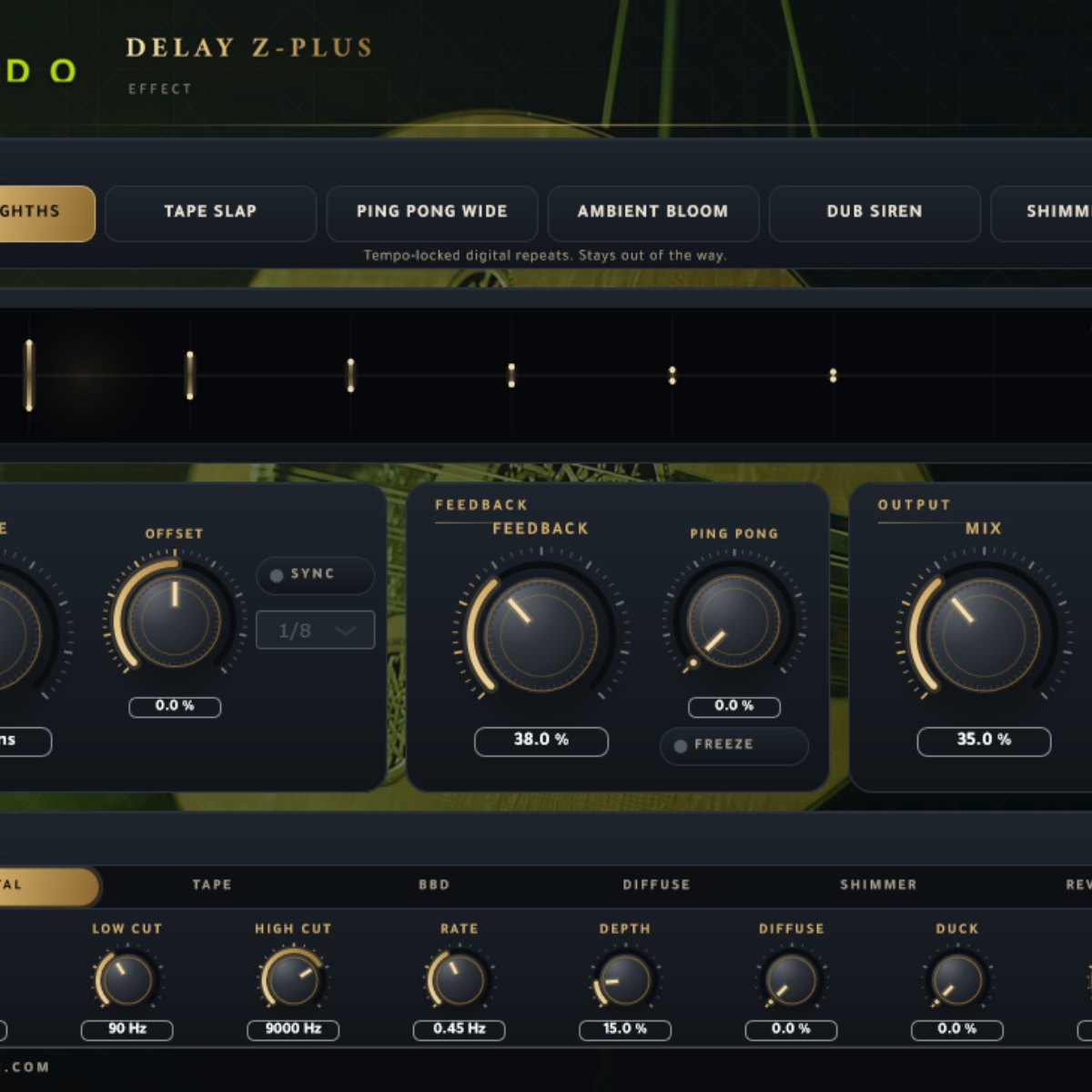
 Free
Free
Plugins / VST3 · CLAP effect · Windows
Delay Z-Plus
Made this delay plugin from scratch.
VST3 / CLAPFreePlugin / Effect
Free
Free with a free account — it downloads the moment you are in. Already have one? Sign in
Download for
Preview
No activation, no licence keyInstant downloadNo card needed
Overview
A free delay I built from scratch. Six algorithms, six presets, VST3 and CLAP for Windows 64-bit. No activation and nothing inside the plugin talks to the internet. The installer isn't code-signed yet, so Windows may warn you the first time. Full details are in the download.
Let's be honest, this is not anything different from a modern delay plugin, but it took me some time and real work to come up with something new after I made the Arabiana Oud plugin.
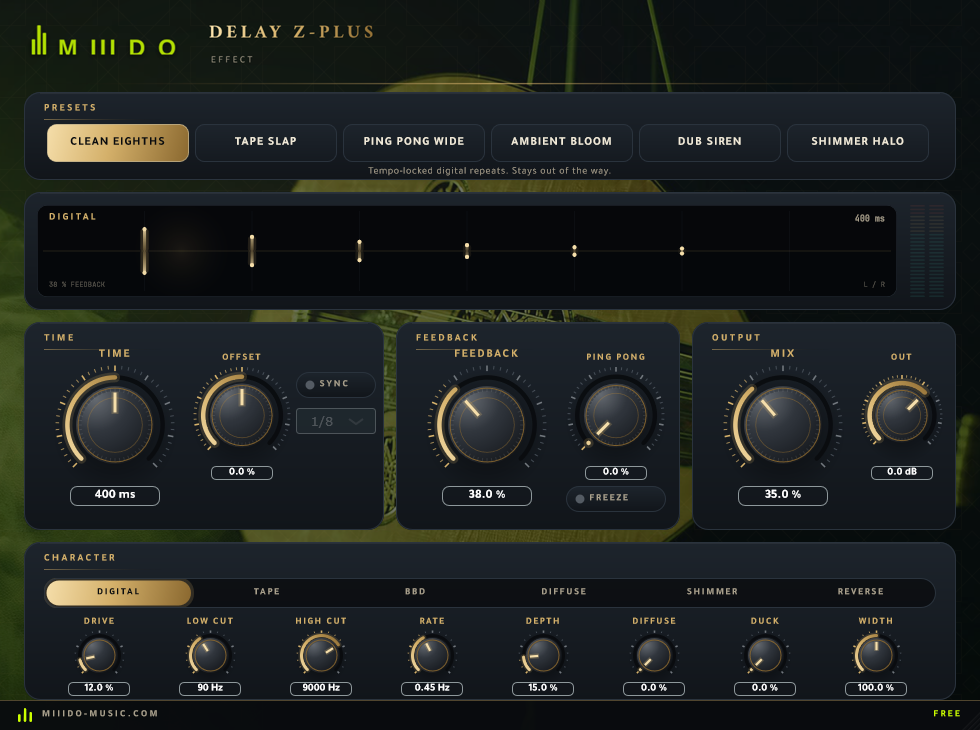
What I wanted was simple: one delay that can be clean when the track needs to breathe, dirty when it needs character, and strange when it needs a moment. So instead of one sound with a hundred knobs, it has six different engines behind one panel, and the knobs mean the same thing in every one of them. The interface is something unique, but at the end of the day you always need easy-to-understand knobs.
I hope you use Delay Z-Plus to make something you're proud of too.
At a glance
- Contents
- Delay Plugin / Effect
- Format
- VST3
- Size
- 11 MB (.zip)
- Type
- Plugin · Effect
- Works on
- Windows 64-bit
- Version
- 1.0.0
- Requirements
- Windows10+
In detail
02
Six engines, one panel
The MODE switch changes how every echo is shaped before it goes round again. Everything else on the panel works in every mode.
- Digital: clean repeats. Only the tone and modulation knobs touch them.
- Tape: wow and flutter, tape saturation, and a little top end lost on every pass, the way tape does it.
- BBD: the old bucket-brigade sound. Dark, compressed, a bit of wobble and hiss.
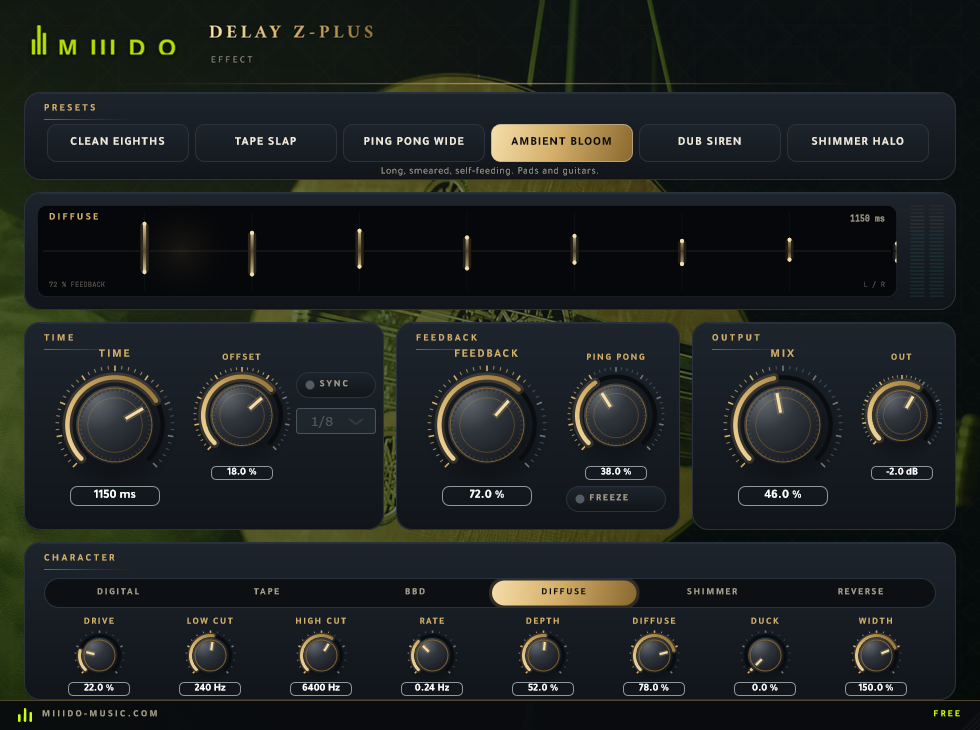
- Diffuse: four allpass filters smear the echoes until they stop being echoes and turn into a space.
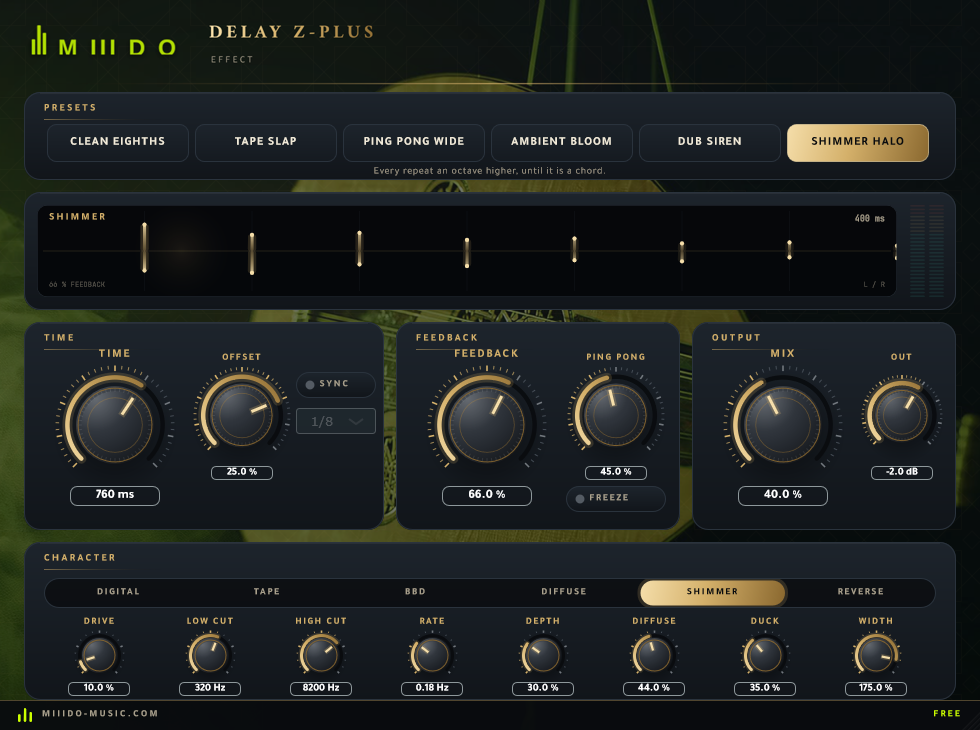
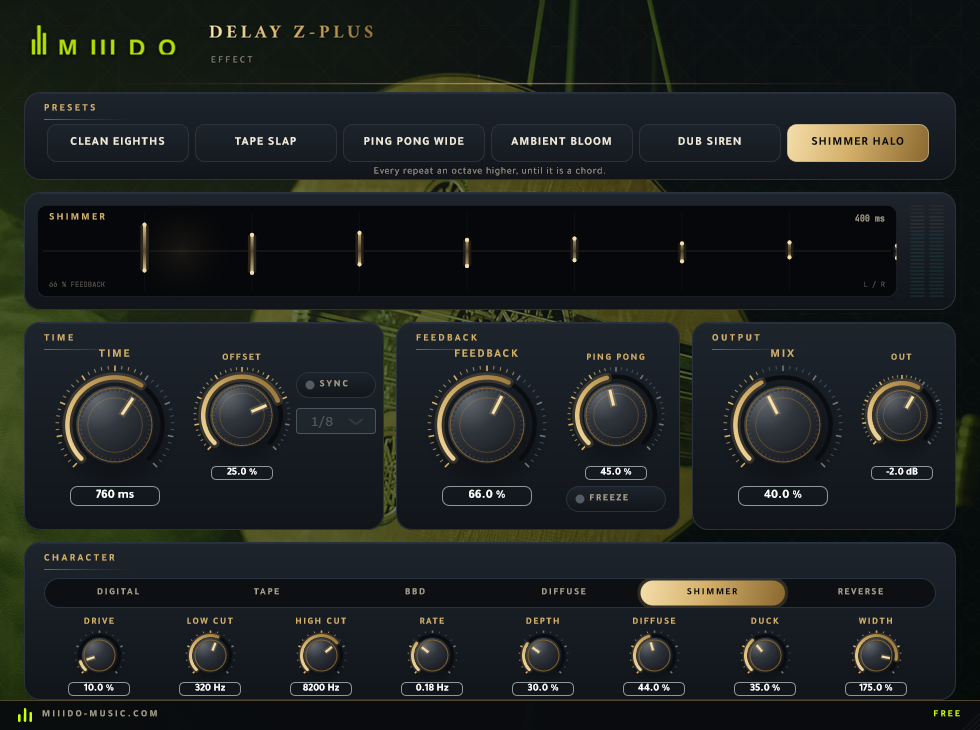
- Shimmer: the feedback is pitched up an octave every time it comes back, so it keeps climbing.
- Reverse: the echo plays backwards, in overlapping crossfaded windows.
03
Six presets to start from
Each preset leans on a different engine, so you hear all six in one click:
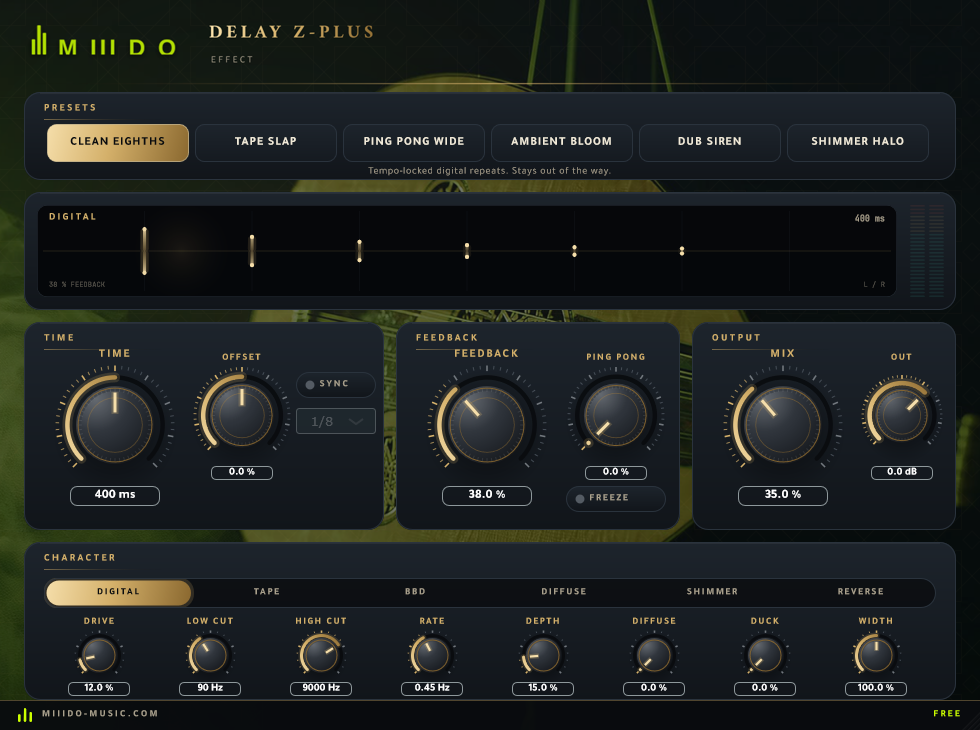
- Clean Eighths: tempo-locked digital repeats that stay out of the way.
- Tape Slap: one short, driven, dark repeat. Vocals and snares.
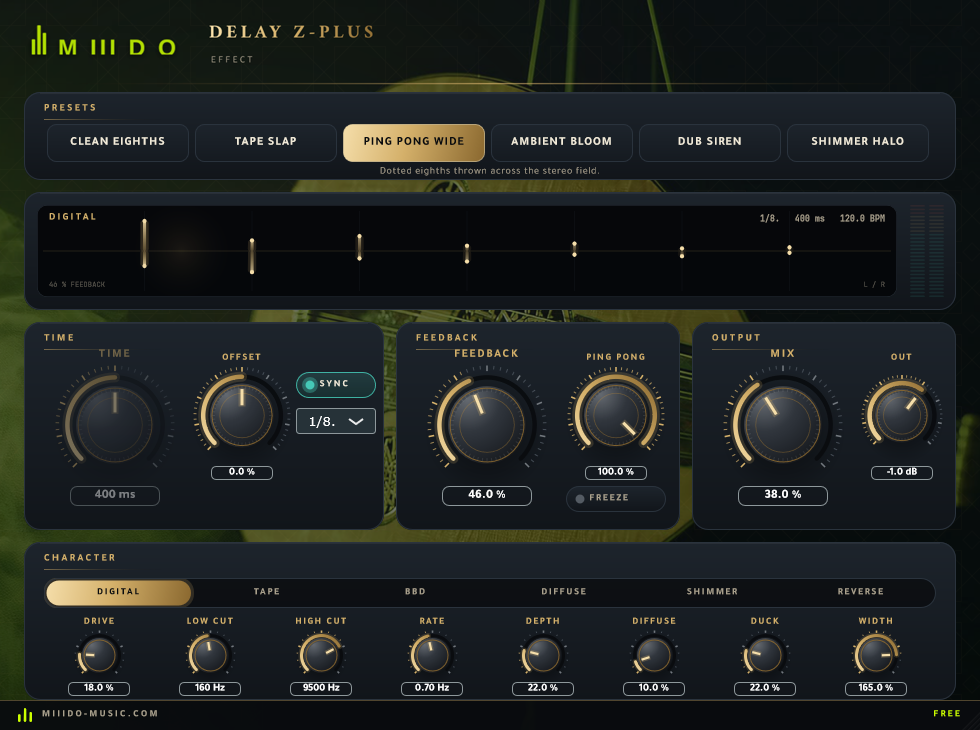
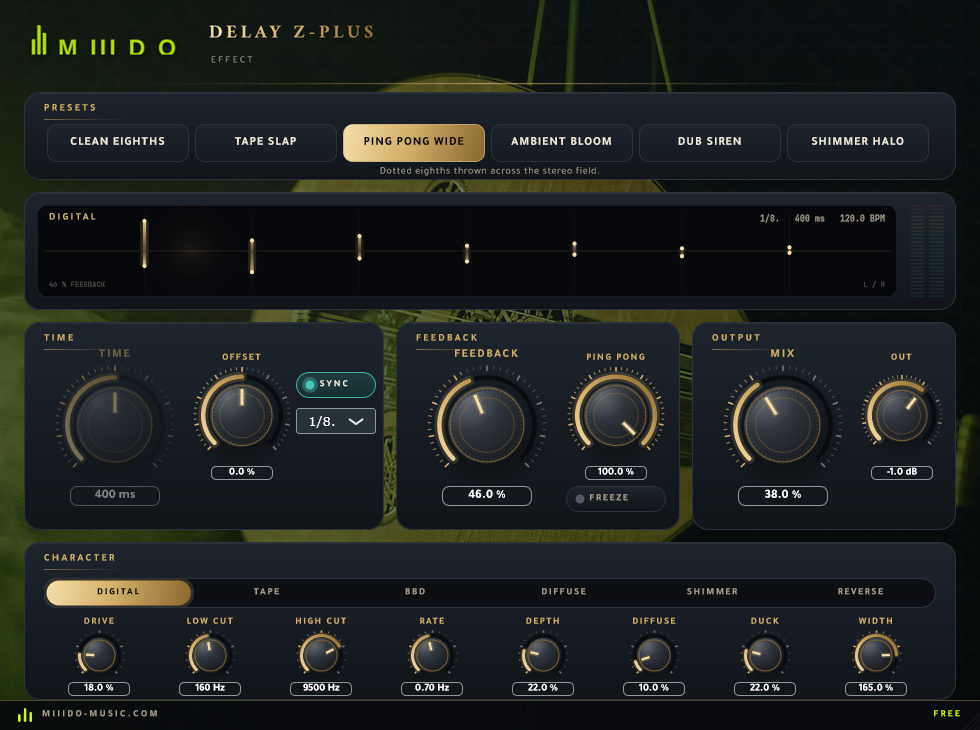
- Ping Pong Wide: dotted eighths thrown across the stereo field.
- Ambient Bloom: long, smeared, self-feeding. Pads and guitars.
- Dub Siren: bucket-brigade feedback right on the edge of taking off.
- Shimmer Halo: every repeat an octave higher, until it's a chord.
They also show up in your DAW's own preset menu.
04
The knobs worth knowing
- Sync: locks the delay to your project tempo, from whole notes down to 1/32, with dotted and triplet options. The Time knob greys out while it's on. Free time goes up to 3 seconds.
- Offset: pulls the left and right delay times apart, so you don't have to match two knobs.
- Ping Pong: how much of each side's feedback crosses to the other side. At 100% the repeats bounce left, right, left.
- Feedback: goes past 100% on purpose (up to 110%). Self-oscillation is an instrument, and the loop is limited so it can't run away.
- Freeze: holds whatever is in the loop and stops anything new getting in. Hit it at the end of a phrase and play over the top.
- Duck: your dry signal pushes the echoes down while you play and lets them back up when you stop. That's how a vocal stays clear and still gets a tail.
- Character row: Drive, Low Cut, High Cut, Mod Rate, Depth, Diffuse and Width, so every repeat can sit exactly where you want it in the mix.
05
A look at it
Questions
Asked before.
Is it really free?
Yes. Make a free account, download, done. No activation, no licence key, no trial.
Which DAWs?
Any Windows 64-bit DAW that loads VST3 or CLAP plugins: FL Studio, Ableton Live, Reaper, Cubase, Studio One, Bitwig and so on.
Mac?
Not yet. Windows 10 and 11, 64-bit only.
Why does Windows warn me when I install it?
The installer isn't code-signed yet, so Windows doesn't recognise the publisher. Choose "More info", then "Run anyway".
Does it connect to the internet?
The plugin's own code makes no network requests.